Backbone vs tl;dv

Video reels and sales playbooks, or an encrypted client workspace

tl;dv shines at video clips, timestamped highlights, and multi-meeting sales reports hosted in EU or US clouds. Backbone skips the calendar bot and unites private meeting notes with CRM, projects, scheduling, proposals, and Xero.

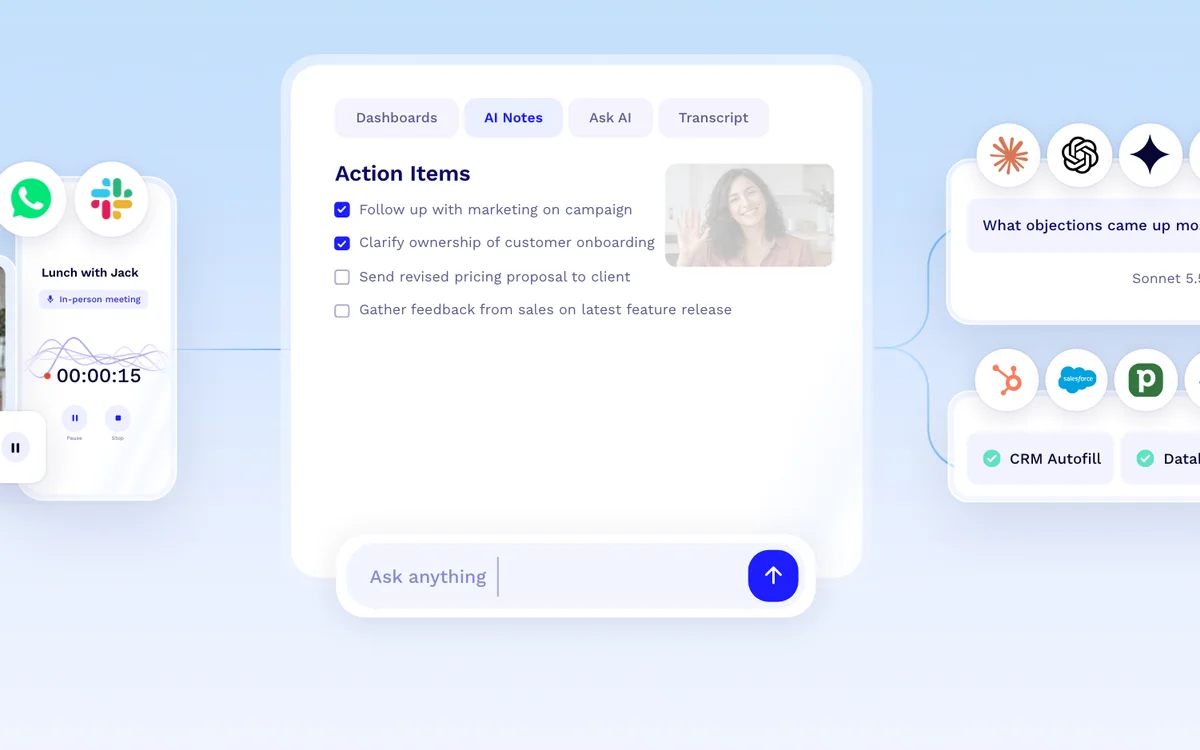
Backbone

tl;dv product interface

tl;dv

Credit where it's due

Where tl;dv shines

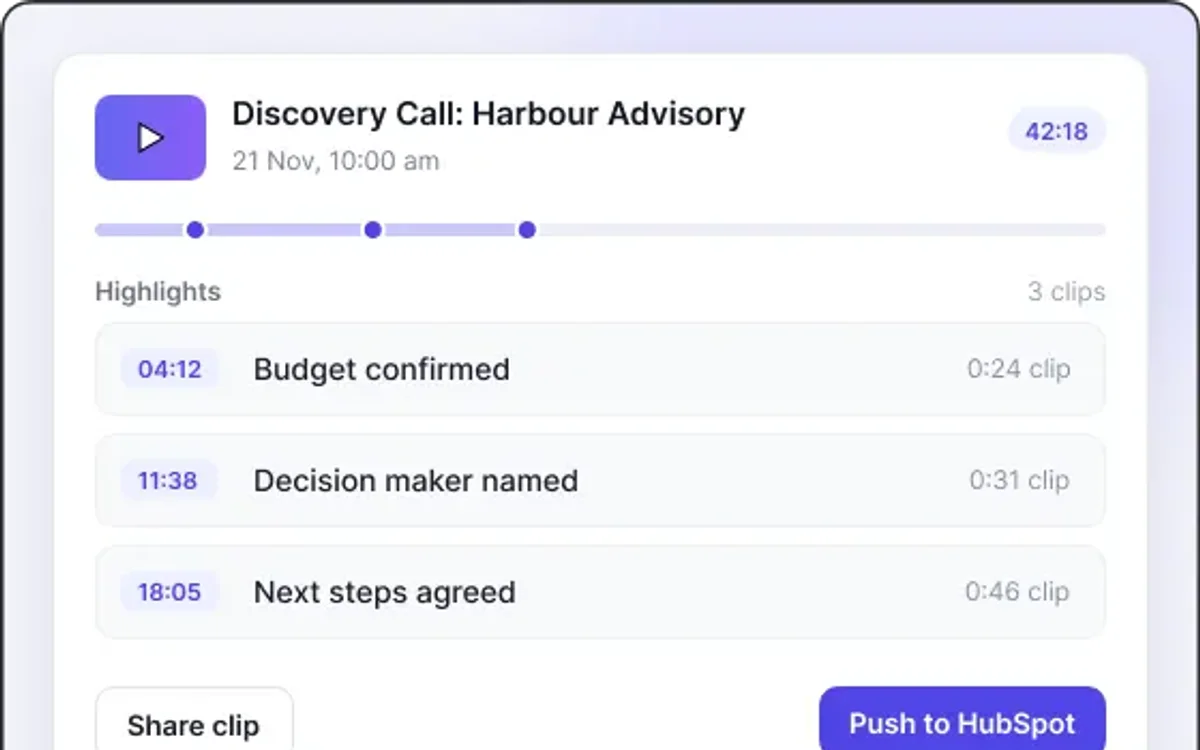
tl;dv turns video calls into shareable reels and cross-call insights. Product and sales teams love cutting clips for stakeholders.

  • Shareable video clips. Clip key customer moments and share timestamped reels across Slack, Notion, or docs.
  • Multi-meeting sales reports. Recurring AI reports summarise objections, themes, and coaching insights across dozens of calls.
  • EU and US cloud hosting. Regional EU and US hosting gives European teams clear cloud residency options.
tl;dv feature view

Where Backbone goes further

From client call to invoice. Without a bot in the room.

Clips are helpful for sales reviews; client teams need delivery connected end to end.

Quiet bot-free capture

Record client conversations locally on Mac, iPhone and web without sending a visible calendar bot into every call.

Native pipeline and clients

Track deals from enquiry to sign-off with every call summary stored on the client record.

Tasks and delivery plans

Convert meeting takeaways straight into structured project tasks and team schedules without manual re-entry.

Built-in billing via Xero

Turn approved scopes into proposals, contracts, and reconciled Xero invoices inside the same workspace.

Side by side

The details.

Backbone and tl;dv compared
FeatureBackbonetl;dv
Meeting workflow
How calls joinBot-free native Mac capture with zero guestsCalendar bot joins Zoom, Meet, and Teams
OutputsClient-linked summaries, action items, and project contextVideo clips, reels, and multi-meeting sales reports
Retention on FreeFull client history kept inside your workspaceFree tier retains recordings for three months
Delivery and operations
Projects and tasksProjects, tasks, and milestones built right inNo built-in project or task management
Resource schedulingTeam scheduling tied to live client projectsNo team capacity or delivery scheduling
Proposals and XeroProposals, contracts, and two-way Xero invoicingNo proposals, contracts, or Xero billing
Privacy and hosting
Hosting and encryptionE2EE meetings, clients, projects, tasks, and scheduleEU or US cloud with standard encryption
Commercial recordsPer-organisation encryption for Xero, proposals, and contractsNot applicable; no proposals or accounting
Meeting discretionSilent local capture; no bot ever joinsExternal bot visible to every call participant
Pricing and value
Pro pricingOne workspace replacing notes, CRM, and PMFree (3-mo retention); Pro US$18/seat/mo annual
Business pricingDelivery, scheduling, proposals, and Xero all includedBusiness from US$29/seat/mo billed annually
Best fitService teams delivering paid client workSales coaching and video snippet libraries

An honest answer

Which should you choose?

Choose tl;dv if

  • You share short customer video clips across product and sales teams.
  • You want recurring multi-meeting AI sales reports and coaching scorecards.
  • You already run separate CRM, project, and invoicing systems.

Choose Backbone if

  • You want bot-free meetings with no calendar bot interrupting clients.
  • You want CRM, projects, scheduling, proposals, and Xero together.
  • You need end-to-end encryption across meetings, clients, projects, tasks, and schedule.
  • You want calls to drive delivery rather than sit as clips.
Get on the Waitlist

More comparisons

Backbone vs Fathom

Unlimited free recordings versus Backbone’s complete client delivery workspace.

Compare with Fathom

Backbone vs Otter.ai

Mobile audio transcripts versus Backbone’s connected calls and billing.

Compare with Otter.ai

Backbone vs Granola

See how Granola compares with Backbone’s private shared record.

Compare with Granola

Questions

How Backbone works.

Contact us
What is Backbone?

One encrypted record of your business, built from your meetings, email, calendar, invoices and project work. Your team works from it, and so do the AI tools you choose.

Can Backbone read my data?

No. Your record is encrypted on your devices before it reaches us, and your team holds the keys. What we store is unreadable to us.

What does the AI see?

Only what a request needs. Each question sends the content for that one answer to the AI model, and the answer is encrypted again before it is saved.

Which AI tools can use my record?

Claude, Codex, Cursor, VS Code and Windsurf connect through MCP, the open standard. You give each tool its own key and choose what it can read, change or send.

Does a bot join my meetings?

No. Backbone records from your Mac, your iPhone or your browser, so nothing extra joins the call.

What does it connect to?

Gmail, Google Calendar, Outlook Mail, Outlook Calendar, Microsoft Teams, Xero, Slack, GitHub, Linear and Sentry.

How does pricing work?

You pay for the organisation, not for each person. Everyone shares one pool of usage, and every plan starts with 14 days free.

Can I use my own AI?

Yes. Bring your own AI is one flat price for Backbone. You add your own provider and API keys, and the provider bills you directly.

Where is my data stored?

On servers in Australia.

Can I take my data with me?

Yes. You can export your whole record whenever you choose.

Give your business a Backbone.

Start with your next meeting. Each meeting adds to your record.

Early access

Get on the Waitlist

Backbone is opening up to service teams soon. Leave your work email and we will reach out when your spot is ready.