Backbone vs Otter.ai

Live transcripts and slide capture, or the whole client workspace

Otter.ai turns meetings and in-person audio into fast, searchable transcripts. Backbone records quietly without a bot, then links every call straight to clients, projects, tasks, proposals, and Xero in one private workspace.

Backbone

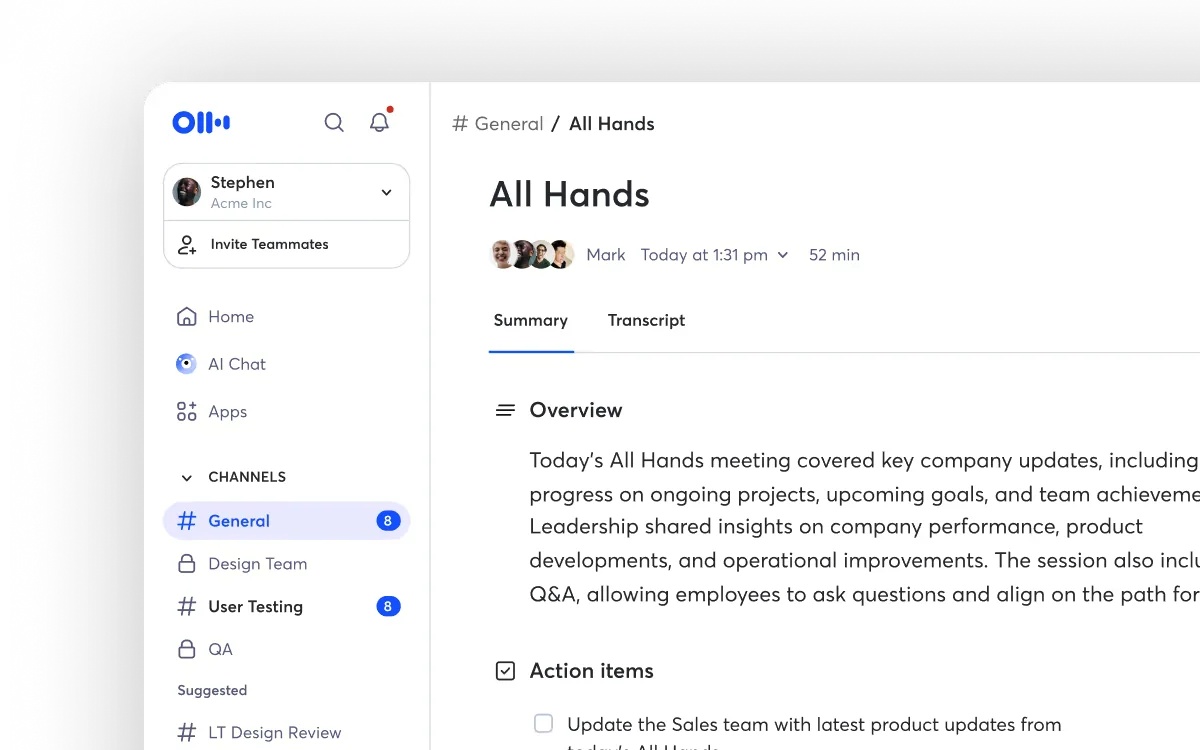
Otter.ai product interface

Otter.ai

Credit where it's due

Where Otter.ai shines

Otter.ai has spent years perfecting live transcription. For teams who only need quick audio-to-text across web and mobile, it delivers.

  • Mobile and in-person capture. Record room conversations on iOS or Android and follow the live transcript immediately.
  • Accessible entry pricing. Free gives 300 monthly minutes, with Pro at US$8.33 per user billed annually.
  • Live searchable transcripts. OtterPilot joins calls automatically so teammates can highlight quotes and search past discussions.
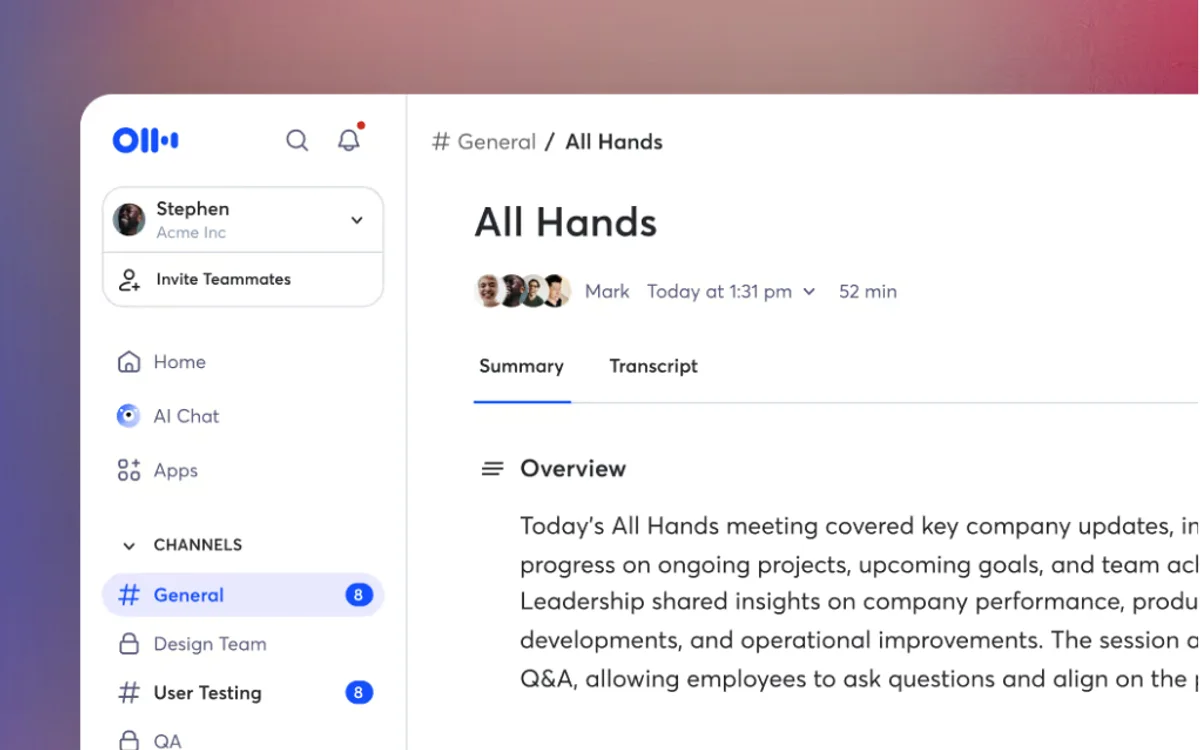
Otter feature view

Where Backbone goes further

Beyond a meeting transcript. The whole client workflow.

Meetings only create value when notes turn into client delivery and billed work.

Bot-free native recording

Backbone captures system audio locally without dropping OtterPilot into sensitive client discovery or boardroom calls.

Notes attached to clients

Every call summary lands inside the client timeline alongside emails, files, deals, and project history.

Instant tasks and scheduling

Turn meeting decisions into assigned tasks and booked team capacity without copying text between apps.

Proposals to Xero billing

Move from discovery notes to signed proposals, contracts, and two-way Xero invoices in one system.

Side by side

The details.

Backbone and Otter.ai compared
FeatureBackboneOtter.ai
Meeting capture
How calls are recordedNative bot-free Mac capture with live transcriptOtterPilot bot plus mobile and in-person app
Participant experienceNo bot in call; runs silently on deviceVisible bot joins and announces recording
Action item follow-throughTasks assigned straight to projects and teammatesSummary list inside Otter; manual copy out
Client delivery
CRM and client recordsBuilt-in CRM linking calls, deals, and contactsNo built-in CRM or client directory
Projects and schedulingProjects, tasks, and team scheduling built inNot included; requires separate project tools
Proposals and XeroProposals, contracts, and two-way Xero billing includedNo proposals, contracts, or Xero sync
Privacy and security
Encryption modelE2EE core workspace; per-organisation Xero and contractsStandard cloud encryption in transit and rest
Data architectureE2EE meetings, clients, projects, tasks, and scheduleHosted on AWS US cloud infrastructure
Client confidentialityPrivate by default; no bot ever joinsBot emails recaps; transcripts sit on server
Pricing and value
Entry pricingOne workspace plan covering meetings and deliveryFree 300 mins/mo; Pro US$8.33/user/mo annual
Team tierNo seat minimums or add-on tool taxBusiness US$19.99/user/mo annual with 5-seat minimum
Total tool stackReplaces notetaker, CRM, tasks, scheduling, and proposalsStill needs CRM, projects, proposals, and billing

An honest answer

Which should you choose?

Choose Otter.ai if

  • You mainly transcribe mobile, lecture, or in-person interviews on the go.
  • You already love your CRM and project stack and only want transcripts.
  • You need a free 300-minute monthly transcription tier for individual use.

Choose Backbone if

  • You want bot-free meetings that never disrupt sensitive client conversations.
  • You want calls linked directly to clients, projects, tasks, and Xero.
  • You need end-to-end encryption for meetings, clients, projects, tasks, and schedule.
  • You want one calm workspace instead of five disconnected subscriptions.
Get on the Waitlist

More comparisons

Backbone vs Fireflies.ai

Bot-based transcription across 100+ languages versus Backbone’s botless client workspace.

Compare with Fireflies.ai

Backbone vs Fathom

Unlimited free call summaries versus Backbone’s full client delivery system.

Compare with Fathom

Backbone vs tl;dv

Video clips and sales reports versus Backbone’s private agency OS.

Compare with tl;dv

Backbone vs Granola

See how Granola compares with Backbone’s private shared record.

Compare with Granola

Questions

How Backbone works.

Contact us
What is Backbone?

One encrypted record of your business, built from your meetings, email, calendar, invoices and project work. Your team works from it, and so do the AI tools you choose.

Can Backbone read my data?

No. Your record is encrypted on your devices before it reaches us, and your team holds the keys. What we store is unreadable to us.

What does the AI see?

Only what a request needs. Each question sends the content for that one answer to the AI model, and the answer is encrypted again before it is saved.

Which AI tools can use my record?

Claude, Codex, Cursor, VS Code and Windsurf connect through MCP, the open standard. You give each tool its own key and choose what it can read, change or send.

Does a bot join my meetings?

No. Backbone records from your Mac, your iPhone or your browser, so nothing extra joins the call.

What does it connect to?

Gmail, Google Calendar, Outlook Mail, Outlook Calendar, Microsoft Teams, Xero, Slack, GitHub, Linear and Sentry.

How does pricing work?

You pay for the organisation, not for each person. Everyone shares one pool of usage, and every plan starts with 14 days free.

Can I use my own AI?

Yes. Bring your own AI is one flat price for Backbone. You add your own provider and API keys, and the provider bills you directly.

Where is my data stored?

On servers in Australia.

Can I take my data with me?

Yes. You can export your whole record whenever you choose.

Give your business a Backbone.

Start with your next meeting. Each meeting adds to your record.

Early access

Get on the Waitlist

Backbone is opening up to service teams soon. Leave your work email and we will reach out when your spot is ready.