Backbone vs Fireflies.ai

Call analytics across a stack, or one workspace that runs the work

Fireflies.ai captures calls in over 100 languages with deep cross-meeting search. Backbone skips the meeting bot altogether and ties every private conversation directly to clients, projects, schedules, proposals, and Xero.

Backbone

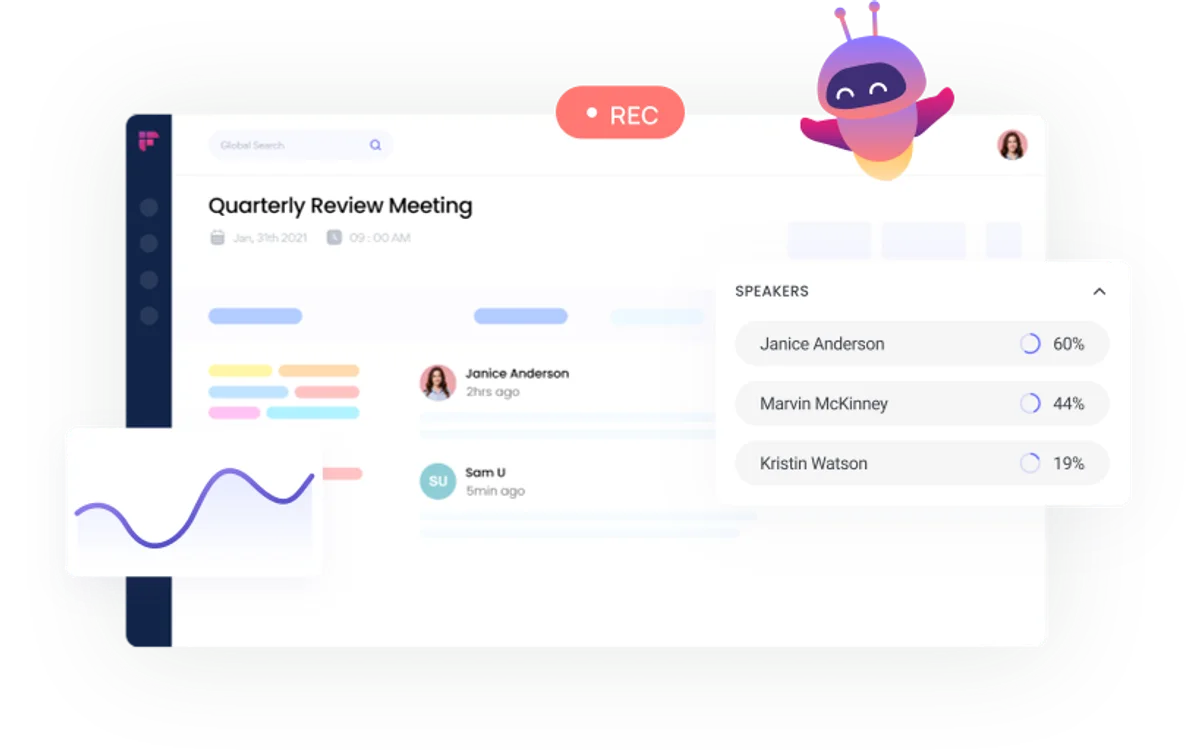
Fireflies.ai product interface

Fireflies.ai

Credit where it's due

Where Fireflies.ai shines

Fireflies.ai is built for searchable call libraries. Teams working across many languages and large sales archives get strong recall.

  • 100+ language transcription. Accurate multilingual transcription makes Fireflies.ai practical for global teams running international calls.
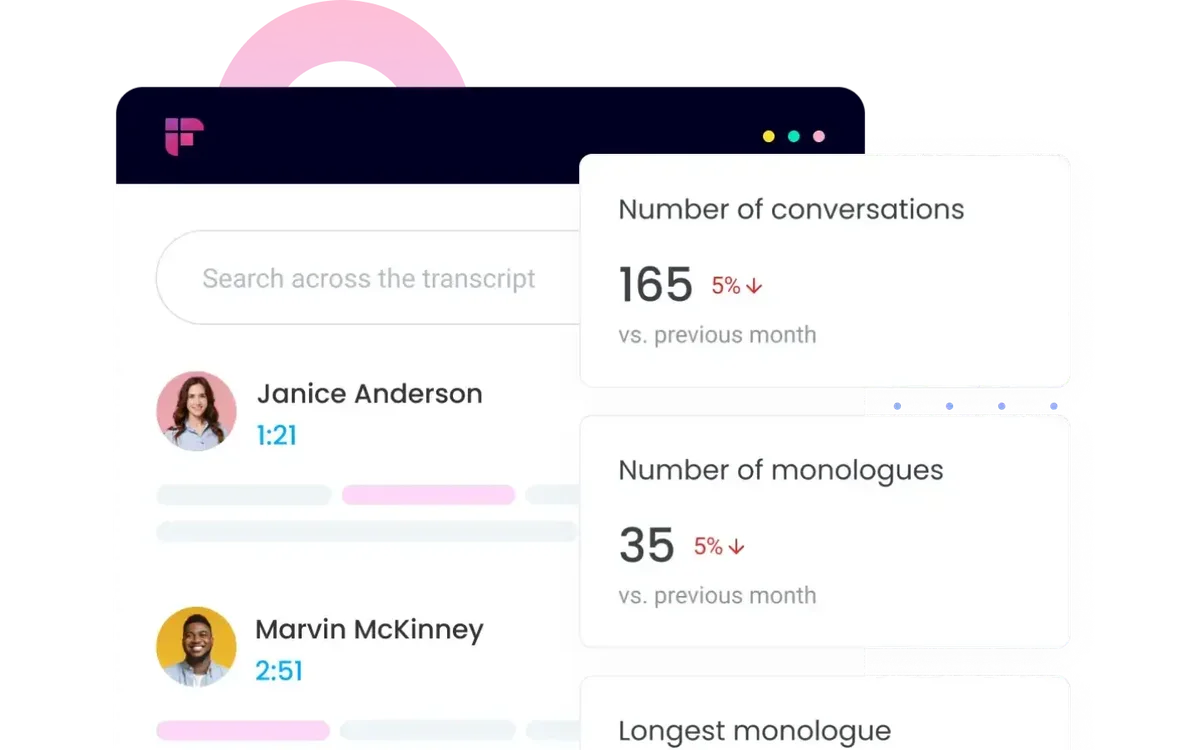
  • Deep conversation search. Filter past calls by speaker, topic, sentiment, or keyword across your entire archive.
  • Flexible annual tiers. Plans scale from Free to Pro at US$10 and Business at US$19 per seat.
Fireflies feature view

Where Backbone goes further

Notes that stay private. Work that moves forward.

Skip the third-party bot and turn every call straight into delivered client work.

No Fred bot in calls

Backbone records natively on Mac, iPhone and web with zero calendar bots joining client pitches or executive reviews.

Pipeline built around calls

Discovery notes sit inside each deal card so follow-ups, scopes, and context stay together.

Team capacity and scheduling

Allocate project hours across your studio right after scope is agreed on the call.

Signed proposals to Xero

Send scoped proposals, capture signatures, and sync invoices with Xero without leaving Backbone.

Side by side

The details.

Backbone and Fireflies.ai compared
FeatureBackboneFireflies.ai
Meeting capture
Recording methodBot-free native Mac audio captureFred meeting bot joins calendar calls
Language coverageFast local capture with structured client notesSupports 100+ languages and topic tracking
Search and recallSearch across calls, clients, projects, and tasksCross-meeting search, filters, and soundbites
Client delivery
CRM and pipelineNative client CRM and visual deal pipelineSyncs to external CRMs; none built in
Projects and tasksProjects, tasks, and team scheduling includedNo built-in project or task delivery
Proposals and billingProposals, contracts, and two-way Xero syncNo proposals, contracts, or Xero integration
Privacy and architecture
Workspace encryptionE2EE meetings, clients, projects, tasks, and scheduleStandard cloud storage for recordings and text
Commercial data protectionPer-organisation encryption for Xero, proposals, and contractsNot applicable; no billing or contracts
Call footprintInvisible locally; zero bots on client callsExternal bot appears in participant roster
Pricing and value
Paid entry tierOne workspace plan replacing multiple point toolsFree tier; Pro US$10/seat/mo billed annually
Business and EnterpriseFull delivery workflow without enterprise tier gatingBusiness US$19; Enterprise US$39/seat/mo billed annually
Software sprawlUnifies meetings, CRM, delivery, proposals, and XeroRequires separate CRM, PM, and finance tools

An honest answer

Which should you choose?

Choose Fireflies.ai if

  • Your team runs calls in dozens of languages and needs deep archive search.
  • You already run an external CRM and only want a meeting bot.
  • You want detailed conversation analytics and talk-time metrics for sales coaching.

Choose Backbone if

  • You refuse to put a recording bot into client meetings.
  • You want call notes connected straight to CRM, projects, and Xero.
  • You want end-to-end encryption across meetings, clients, projects, tasks, and schedule.
  • You run a service team and want delivery in one place.
Get on the Waitlist

More comparisons

Backbone vs Otter.ai

Live mobile transcription versus Backbone’s bot-free client delivery workspace.

Compare with Otter.ai

Backbone vs Fathom

Free unlimited call recording versus Backbone’s connected project workflow.

Compare with Fathom

Backbone vs tl;dv

Multi-meeting sales reports versus Backbone’s private operating system.

Compare with tl;dv

Backbone vs Granola

See how Granola compares with Backbone’s private shared record.

Compare with Granola

Questions

How Backbone works.

Contact us
What is Backbone?

One encrypted record of your business, built from your meetings, email, calendar, invoices and project work. Your team works from it, and so do the AI tools you choose.

Can Backbone read my data?

No. Your record is encrypted on your devices before it reaches us, and your team holds the keys. What we store is unreadable to us.

What does the AI see?

Only what a request needs. Each question sends the content for that one answer to the AI model, and the answer is encrypted again before it is saved.

Which AI tools can use my record?

Claude, Codex, Cursor, VS Code and Windsurf connect through MCP, the open standard. You give each tool its own key and choose what it can read, change or send.

Does a bot join my meetings?

No. Backbone records from your Mac, your iPhone or your browser, so nothing extra joins the call.

What does it connect to?

Gmail, Google Calendar, Outlook Mail, Outlook Calendar, Microsoft Teams, Xero, Slack, GitHub, Linear and Sentry.

How does pricing work?

You pay for the organisation, not for each person. Everyone shares one pool of usage, and every plan starts with 14 days free.

Can I use my own AI?

Yes. Bring your own AI is one flat price for Backbone. You add your own provider and API keys, and the provider bills you directly.

Where is my data stored?

On servers in Australia.

Can I take my data with me?

Yes. You can export your whole record whenever you choose.

Give your business a Backbone.

Start with your next meeting. Each meeting adds to your record.

Early access

Get on the Waitlist

Backbone is opening up to service teams soon. Leave your work email and we will reach out when your spot is ready.