Backbone and Granola

Great notes are where it starts.

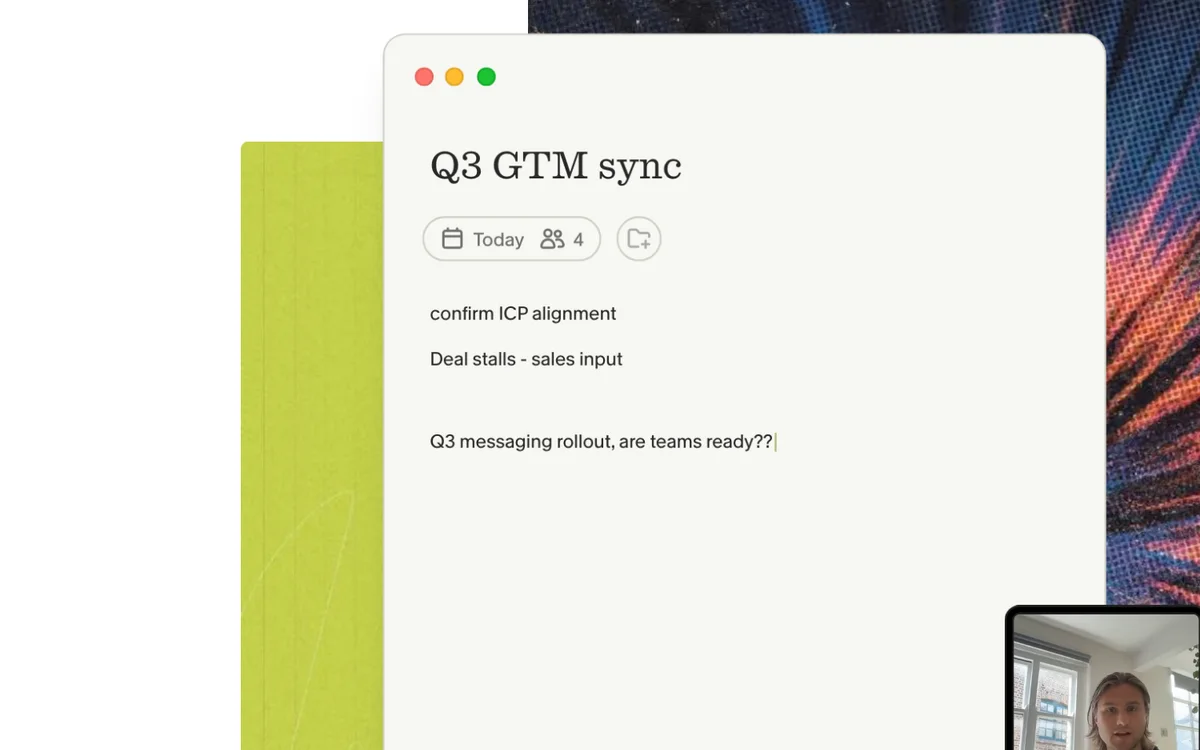
We're fans of Granola and its simple meeting notepad. Backbone takes notes without a bot on the call too. Your team shares one private record and can use those notes across clients, projects and proposals.

Backbone

Granola product interface

Granola

Credit where it's due

Granola is very good at meeting notes.

Granola's hard to beat if you're after a clean meeting notepad that tidies up what you jot down while you're in the meeting.

  • No bot on your calls. It listens from your computer, so nothing awkward joins the meeting.
  • Your own notes, made better. You jot a few words and it fills in the rest from what was said.
  • Quick to get going. Install it, connect your calendar, and your next meeting is covered.
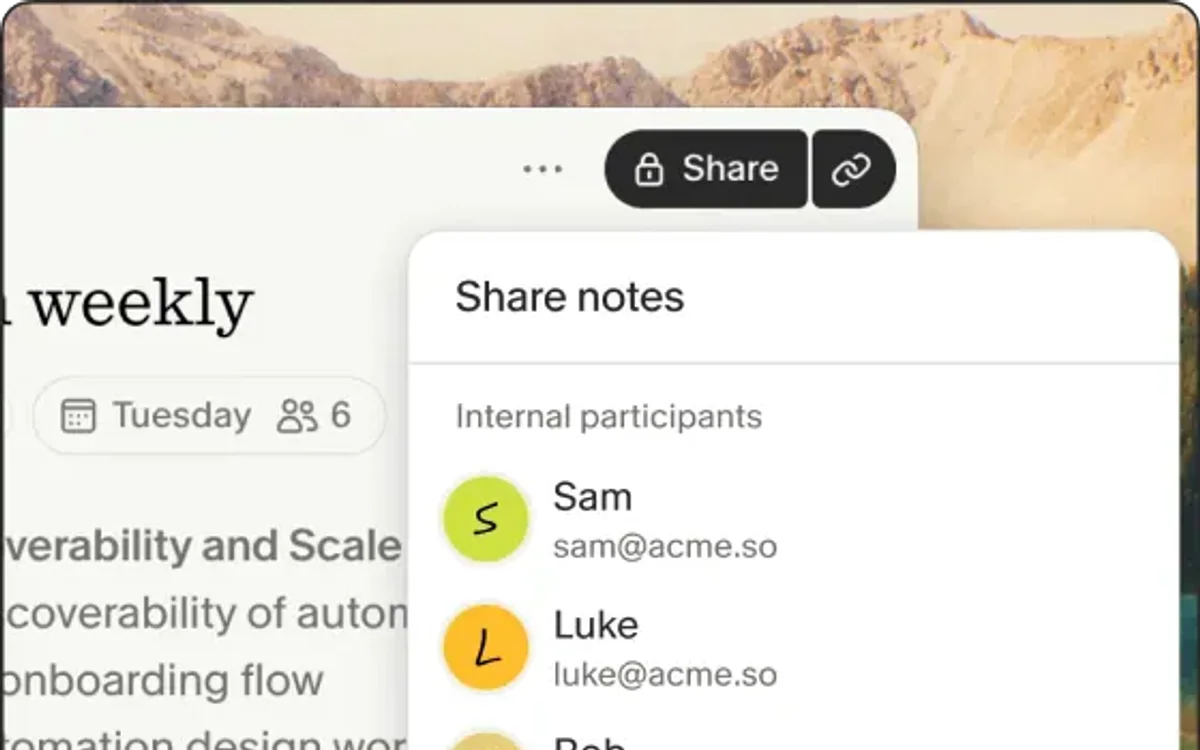
Granola feature view

Where Backbone goes further

Backbone starts where the notes end.

Backbone puts your meeting notes to work in client records, project work and proposals.

Templates that fill in as you talk

Start a meeting from a template and watch each section fill in live, as the conversation covers it.

It knows who is speaking

Backbone learns voices. It suggests a name as someone talks and remembers them next time.

Notes become work

Next steps turn into tasks on the right client and project, ready to hand to an agent.

From the meeting to a signed contract

The same notes become a proposal, then a contract your client signs online.

Side by side

The details.

Backbone and Granola compared
FeatureBackboneGranola
Meetings
Taking notesFrom your Mac, iPhone or browser. No botFrom your Mac, Windows PC or iPhone. No bot
TemplatesFill in live as you talkApplied to your notes
Who is speakingRecognises voices and names each speakerSeparates you from the others on the call
After the meetingTasks, follow-ups and the client's record updatedNotes to share and chat with
Beyond meetings
Clients and contactsBuilt inThrough other tools you connect
Projects, scheduling and tasksBuilt inNot included
Proposals, contracts and invoicesBuilt inNot included
Privacy
Who can read your notesOnly your team. Backbone cannotYour team and, to run the service, Granola
Your own AI toolsClaude, Codex, Cursor and others, with permissions you setIts own chat
Where it is storedAustraliaUnited States
Price and apps
PriceFrom A$99 a month for the whole organisationPer person, each month
AppsWeb, Mac and iPhoneMac, Windows and iPhone

An honest answer

Which should you choose?

Choose Granola if

  • You want a personal notepad for your own meetings
  • Your clients, projects and proposals already live happily somewhere else
  • You work on Windows

Choose Backbone if

  • You want meetings to update clients, tasks and proposals on their own
  • Your whole team should share one picture of the business
  • Your notes must stay private, even from the company that stores them
  • You would rather pay once for the organisation than per person
Get on the Waitlist

More comparisons

Questions

How Backbone works.

Contact us
What is Backbone?

One encrypted record of your business, built from your meetings, email, calendar, invoices and project work. Your team works from it, and so do the AI tools you choose.

Can Backbone read my data?

No. Your record is encrypted on your devices before it reaches us, and your team holds the keys. What we store is unreadable to us.

What does the AI see?

Only what a request needs. Each question sends the content for that one answer to the AI model, and the answer is encrypted again before it is saved.

Which AI tools can use my record?

Claude, Codex, Cursor, VS Code and Windsurf connect through MCP, the open standard. You give each tool its own key and choose what it can read, change or send.

Does a bot join my meetings?

No. Backbone records from your Mac, your iPhone or your browser, so nothing extra joins the call.

What does it connect to?

Gmail, Google Calendar, Outlook Mail, Outlook Calendar, Microsoft Teams, Xero, Slack, GitHub, Linear and Sentry.

How does pricing work?

You pay for the organisation, not for each person. Everyone shares one pool of usage, and every plan starts with 14 days free.

Can I use my own AI?

Yes. Bring your own AI is one flat price for Backbone. You add your own provider and API keys, and the provider bills you directly.

Where is my data stored?

On servers in Australia.

Can I take my data with me?

Yes. You can export your whole record whenever you choose.

Give your business a Backbone.

Start with your next meeting. Each meeting adds to your record.

Early access

Get on the Waitlist

Backbone is opening up to service teams soon. Leave your work email and we will reach out when your spot is ready.