Backbone vs monday.com

One workspace, not two subscriptions.

monday.com makes project tracking approachable with colourful visual boards and no-code automations. Backbone keeps sales and delivery under one roof, uniting your pipeline, bot-free meeting notes, schedules, contracts and Xero in a single subscription.

Backbone

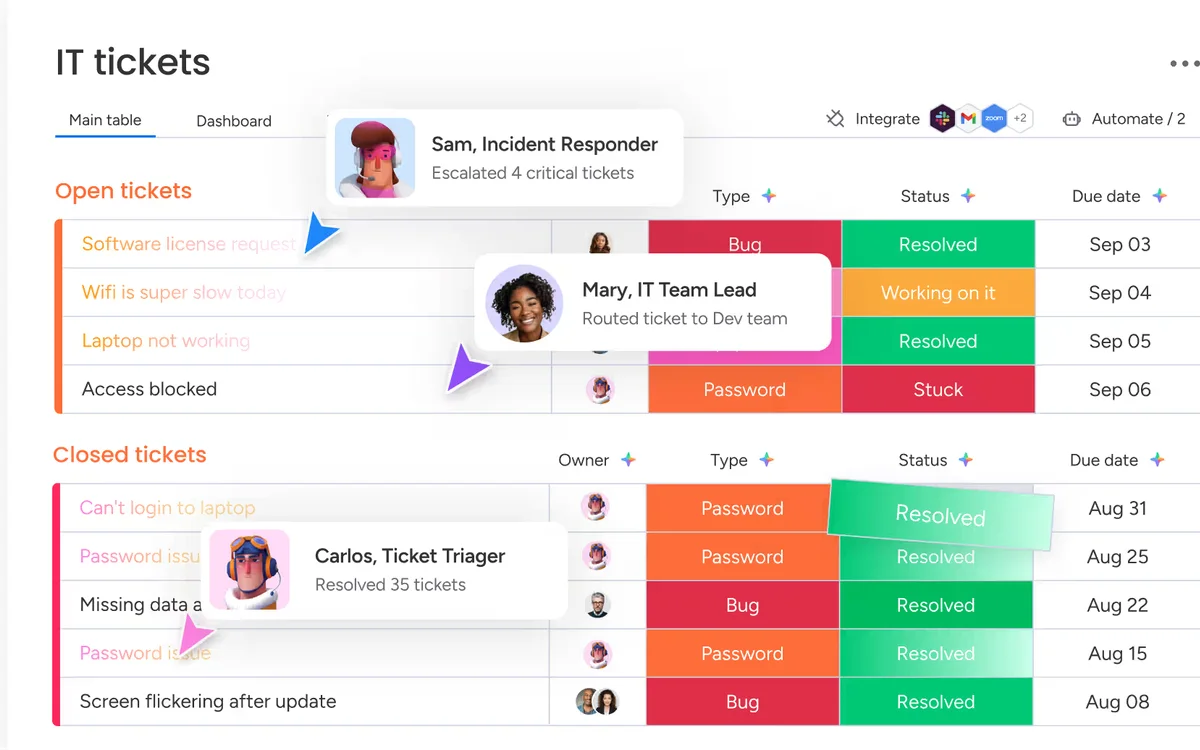
monday.com product interface

monday.com

Credit where it's due

Where monday.com shines

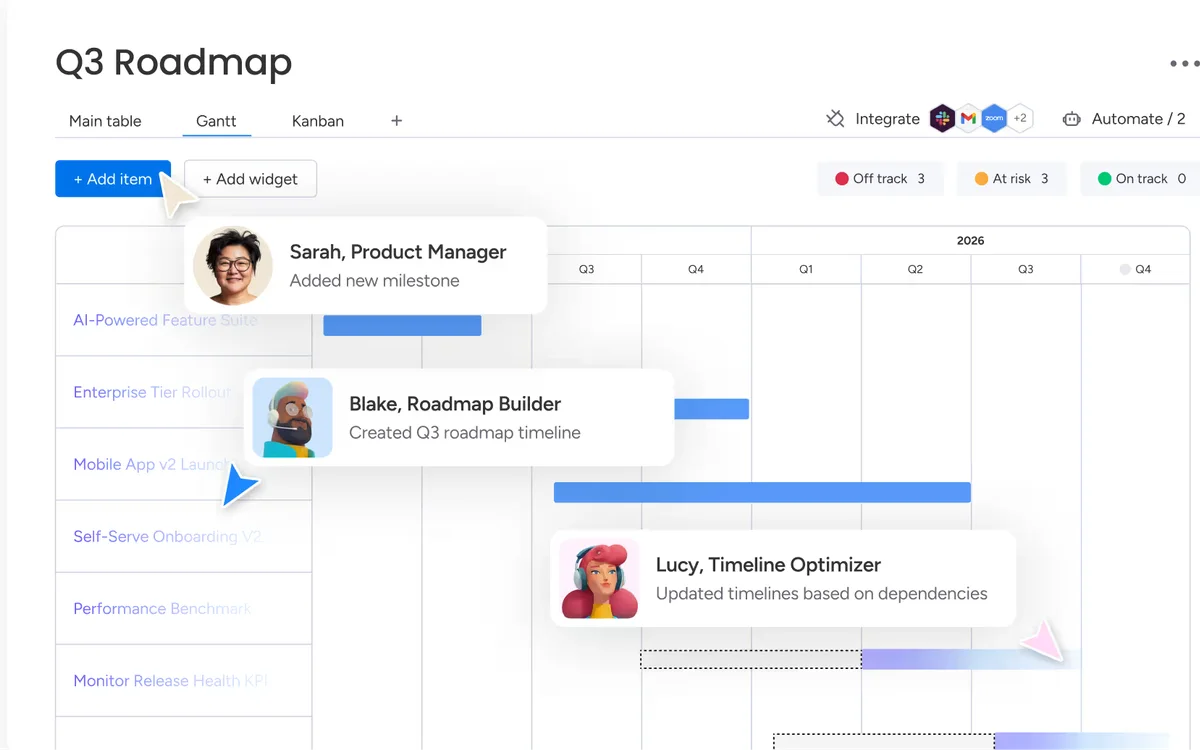
monday.com excels at turning messy spreadsheets into colourful visual boards and no-code automations that any team adopts quickly.

  • Colourful visual boards. Track status columns, timelines and dashboards across departments with instant visual clarity.
  • Approachable no-code automations. Build if-this-then-that board rules in minutes without touching code or external scripts.
  • Dedicated product suites. Choose separate Work Management and monday CRM products tailored to different teams.
monday.com feature view

Where Backbone goes further

One workspace, not two separate products.

Keep your client pipeline, calls, delivery and Xero together without paying twice.

Pipeline and delivery united

Move seamlessly from lead to active project without buying separate CRM and work seats.

Bot-free meeting capture

Capture client calls privately on Mac, iPhone and web and link notes straight to opportunities and tasks.

Proposals, contracts and Xero

Send proposals, capture e-signatures and sync invoices directly to Xero without third-party connectors.

Encrypted client records

End-to-end encryption covers meetings, clients, projects, tasks and schedule, with per-organisation encryption for Xero, proposals and contracts.

Side by side

The details.

Backbone and monday.com compared
FeatureBackbonemonday.com
CRM and pipeline
CRM and deliveryUnified pipeline, projects and team scheduleSeparate monday CRM and Work Management products
Seat minimumsNo three-seat minimum requiredThree-seat minimum on all paid plans
Annual seat pricingOne subscription for the whole studioWork US$9 to US$19, CRM US$12 to US$28
Meeting capture
Native call captureBot-free capture on Mac, iPhone and webNo native bot-free meeting capture
Client call contextTranscripts attached straight to deals and tasksRelies on external notetakers or manual logs
Shared AI memoryPrivate assistant across calls and client workAI blocks focused on board columns
Delivery and money
Proposals and e-signBuilt-in proposals with native e-signaturesQuotes via CRM, needs add-ons for e-sign
Xero accounting syncNative Xero sync includedNo native Xero sync, needs connectors
Visual boardsFocused tasks, pipeline and weekly scheduleHighly customisable colourful boards and automations
Privacy and setup
Encryption modelEnd-to-end core workspace, per-organisation Xero, proposals and contractsStandard encryption in transit and at rest
Ongoing maintenancePurpose-built client workflow ready immediatelyRequires building and syncing multiple boards
Ideal teamService studios wanting one calm systemCross-functional teams running custom board workflows

An honest answer

Which should you choose?

Choose monday.com if

  • You love colourful visual boards and no-code automations across many departments.
  • You want separate Work Management and CRM suites for distinct teams.
  • You already handle meeting capture, contract signing and Xero elsewhere.

Choose Backbone if

  • You want pipeline, projects, schedules, contracts and Xero in one subscription.
  • You want bot-free client call notes feeding directly into your work.
  • You prefer no three-seat minimum and zero cross-board maintenance.
  • End-to-end encryption for calls, clients, projects, tasks and schedule matters.
Get on the Waitlist

More comparisons

Backbone vs ClickUp

Customisable task views and automations versus Backbone’s unified studio flow.

Compare with ClickUp

Backbone vs Attio

Custom-object CRM intelligence compared with Backbone’s full client workspace.

Compare with Attio

Backbone vs Notion

Open team wikis and databases versus Backbone’s ready-made studio system.

Compare with Notion

Questions

How Backbone works.

Contact us
What is Backbone?

One encrypted record of your business, built from your meetings, email, calendar, invoices and project work. Your team works from it, and so do the AI tools you choose.

Can Backbone read my data?

No. Your record is encrypted on your devices before it reaches us, and your team holds the keys. What we store is unreadable to us.

What does the AI see?

Only what a request needs. Each question sends the content for that one answer to the AI model, and the answer is encrypted again before it is saved.

Which AI tools can use my record?

Claude, Codex, Cursor, VS Code and Windsurf connect through MCP, the open standard. You give each tool its own key and choose what it can read, change or send.

Does a bot join my meetings?

No. Backbone records from your Mac, your iPhone or your browser, so nothing extra joins the call.

What does it connect to?

Gmail, Google Calendar, Outlook Mail, Outlook Calendar, Microsoft Teams, Xero, Slack, GitHub, Linear and Sentry.

How does pricing work?

You pay for the organisation, not for each person. Everyone shares one pool of usage, and every plan starts with 14 days free.

Can I use my own AI?

Yes. Bring your own AI is one flat price for Backbone. You add your own provider and API keys, and the provider bills you directly.

Where is my data stored?

On servers in Australia.

Can I take my data with me?

Yes. You can export your whole record whenever you choose.

Give your business a Backbone.

Start with your next meeting. Each meeting adds to your record.

Early access

Get on the Waitlist

Backbone is opening up to service teams soon. Leave your work email and we will reach out when your spot is ready.