Backbone vs Teamwork.com

Client delivery that starts before kickoff.

Teamwork.com has earned its reputation for client portals, retainers and structured project budgets. Backbone focuses on calmer internal flow, pairing bot-free meeting capture with tasks, team scheduling, proposals, contracts and Xero.

Backbone

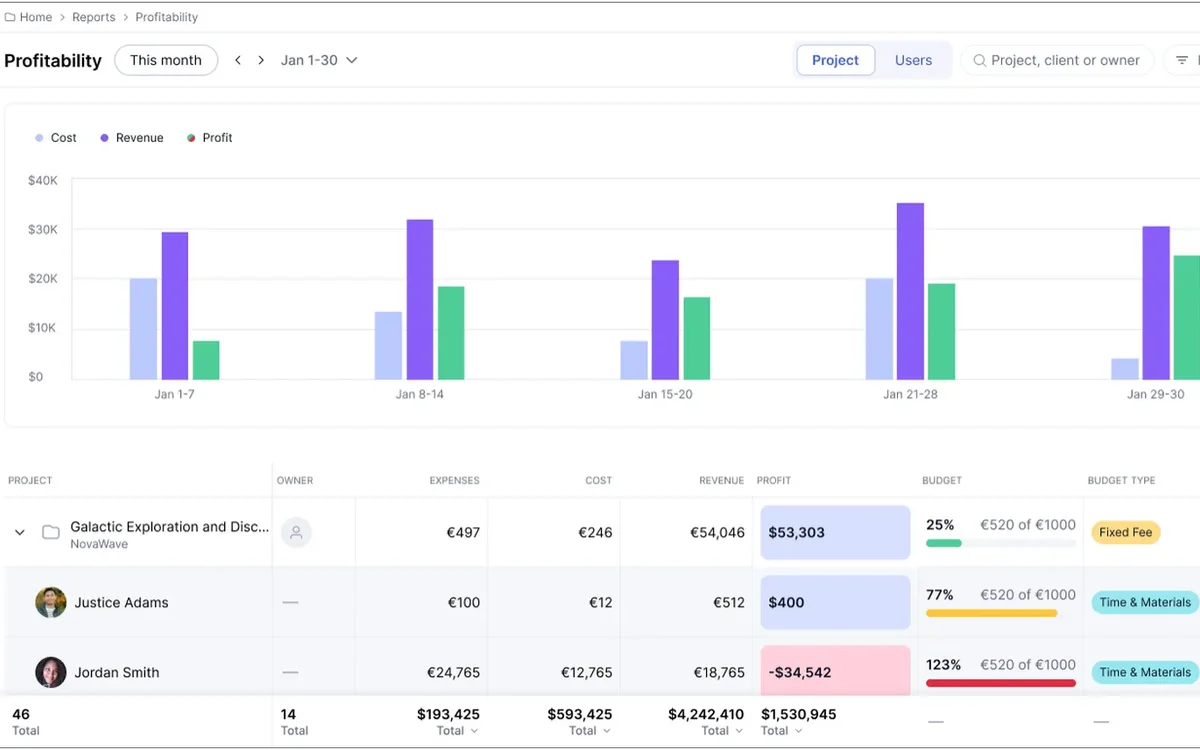
Teamwork.com product interface

Teamwork.com

Credit where it's due

Where Teamwork.com shines

Teamwork.com shines when clients collaborate directly inside your project boards alongside strict retainer tracking, approvals and billable hours.

  • Free client portals. Invite unlimited client users to review tasks, files and proofs without extra seats.
  • Built for ongoing retainers. Track recurring hours, rollovers and project budgets across long-term agency accounts.
  • Accessible entry tiers. Start free for five users before upgrading to Basics or Accelerate plans.
Teamwork.com feature view

Where Backbone goes further

Less ticket admin. More client clarity.

Start from real client conversations instead of chasing status across fragmented project boards.

Bot-free meeting capture

Record every client call quietly on Mac, iPhone and web and turn decisions straight into team actions.

Calm tasks and scheduling

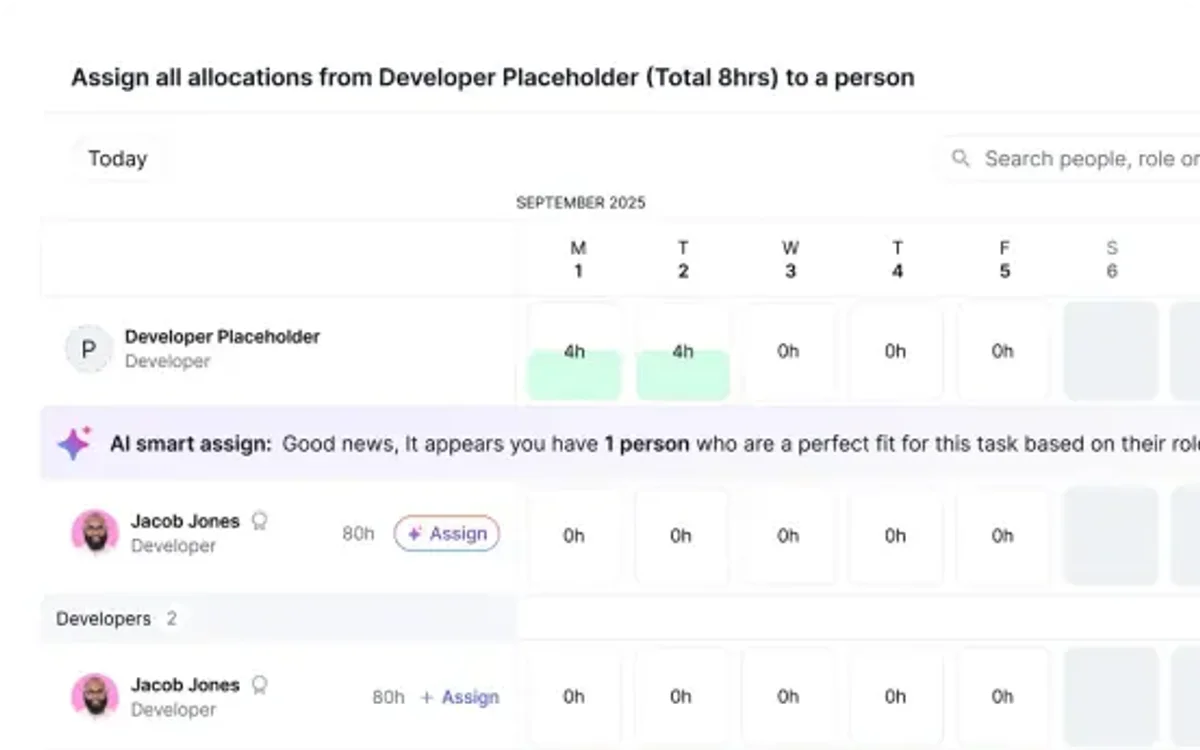
See every deliverable and weekly team allocation without buried sub-menus or bloated task forms.

Proposals to Xero invoices

Send proposals, collect e-signatures and sync invoices to Xero without jumping between separate apps.

Private encrypted records

End-to-end encryption covers meetings, clients, projects, tasks and schedule, with per-organisation encryption for Xero, proposals and contracts.

Side by side

The details.

Backbone and Teamwork.com compared
FeatureBackboneTeamwork.com
Meeting capture
Native call captureBot-free capture on Mac, iPhone and webNo native bot-free meeting capture
Call-to-task handoffActions flow straight from call transcriptsManual task creation from external notes
Client memorySearchable shared call and project historyTask comments, messages and file threads
Client delivery
Client collaborationClean shared proposals and client updatesFree client users and full portals
Retainers and budgetsProject values and Xero invoice trackingDedicated retainers, rollovers and time budgets
Team schedulingFast visual weekly capacity plannerWorkload view and utilisation on higher tiers
Sales and billing
Proposals and contractsBuilt-in proposals with native e-signaturesNot built in, needs separate tool
Xero integrationNative Xero sync includedXero invoice sync via integrations
Plans and minimumsNo three or five seat minimumFree (5), Basics US$9.99 (3+), Accelerate US$24.99 (5+)
Privacy and feel
Encryption modelEnd-to-end core workspace, per-organisation Xero, proposals and contractsStandard encryption in transit and at rest
Interface paceFast, quiet workspace built for focusFeature-dense interface with many modules
Workspace scopeCalls, CRM, tasks, schedule, contracts, XeroClient project delivery, portals and retainers

An honest answer

Which should you choose?

Choose Teamwork.com if

  • Clients actively log into portals to comment, approve proofs and track tasks.
  • You run strict monthly hour retainers with rollover rules and detailed timesheets.
  • You want a free starter tier for up to five internal users.

Choose Backbone if

  • You want bot-free client call notes connected directly to tasks and schedules.
  • You need built-in proposals, e-signatures and native Xero sync in one place.
  • You prefer a calmer workspace without seat minimums or heavy menu depth.
  • Strong encryption for client calls, project records and billing data matters most.
Get on the Waitlist

More comparisons

Backbone vs Productive

Agency profitability and rate cards versus Backbone’s connected workflow.

Compare with Productive

Backbone vs ClickUp

Deep customisable task views compared with Backbone’s calm studio record.

Compare with ClickUp

Backbone vs Scoro

Structured PSA quoting and Gantt charts compared with Backbone.

Compare with Scoro

Questions

How Backbone works.

Contact us
What is Backbone?

One encrypted record of your business, built from your meetings, email, calendar, invoices and project work. Your team works from it, and so do the AI tools you choose.

Can Backbone read my data?

No. Your record is encrypted on your devices before it reaches us, and your team holds the keys. What we store is unreadable to us.

What does the AI see?

Only what a request needs. Each question sends the content for that one answer to the AI model, and the answer is encrypted again before it is saved.

Which AI tools can use my record?

Claude, Codex, Cursor, VS Code and Windsurf connect through MCP, the open standard. You give each tool its own key and choose what it can read, change or send.

Does a bot join my meetings?

No. Backbone records from your Mac, your iPhone or your browser, so nothing extra joins the call.

What does it connect to?

Gmail, Google Calendar, Outlook Mail, Outlook Calendar, Microsoft Teams, Xero, Slack, GitHub, Linear and Sentry.

How does pricing work?

You pay for the organisation, not for each person. Everyone shares one pool of usage, and every plan starts with 14 days free.

Can I use my own AI?

Yes. Bring your own AI is one flat price for Backbone. You add your own provider and API keys, and the provider bills you directly.

Where is my data stored?

On servers in Australia.

Can I take my data with me?

Yes. You can export your whole record whenever you choose.

Give your business a Backbone.

Start with your next meeting. Each meeting adds to your record.

Early access

Get on the Waitlist

Backbone is opening up to service teams soon. Leave your work email and we will reach out when your spot is ready.