Backbone vs DocuSign

Signed contracts that stay with the client work

DocuSign is the global benchmark for e-signatures and PKI audit trails, built around envelope plans. Backbone pairs cryptographically proven contract signing with proposals, meetings, clients, projects, scheduling, and Xero in one workspace.

Backbone

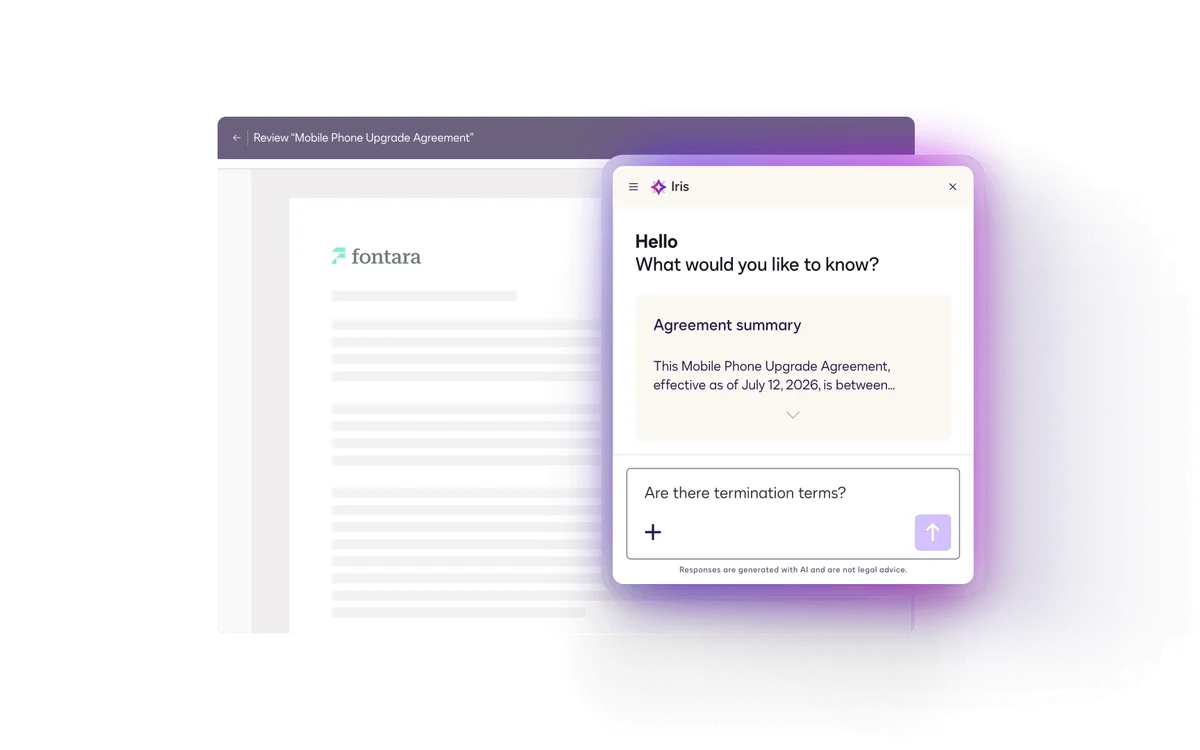
DocuSign product interface

DocuSign

Credit where it's due

Where DocuSign shines

DocuSign is recognised by legal teams worldwide. Clients trust its signing flow immediately, backed by decades of compliance infrastructure.

  • Global e-signature standard. Enterprise legal departments recognise DocuSign instantly, reducing friction on complex multi-party agreements.
  • PKI audit trail. Public key infrastructure seals every completed envelope with a court-tested certificate of completion.
  • Tiered envelope plans. Personal costs US$10, Standard US$25, and Business Pro US$40 per user annually with envelope limits.
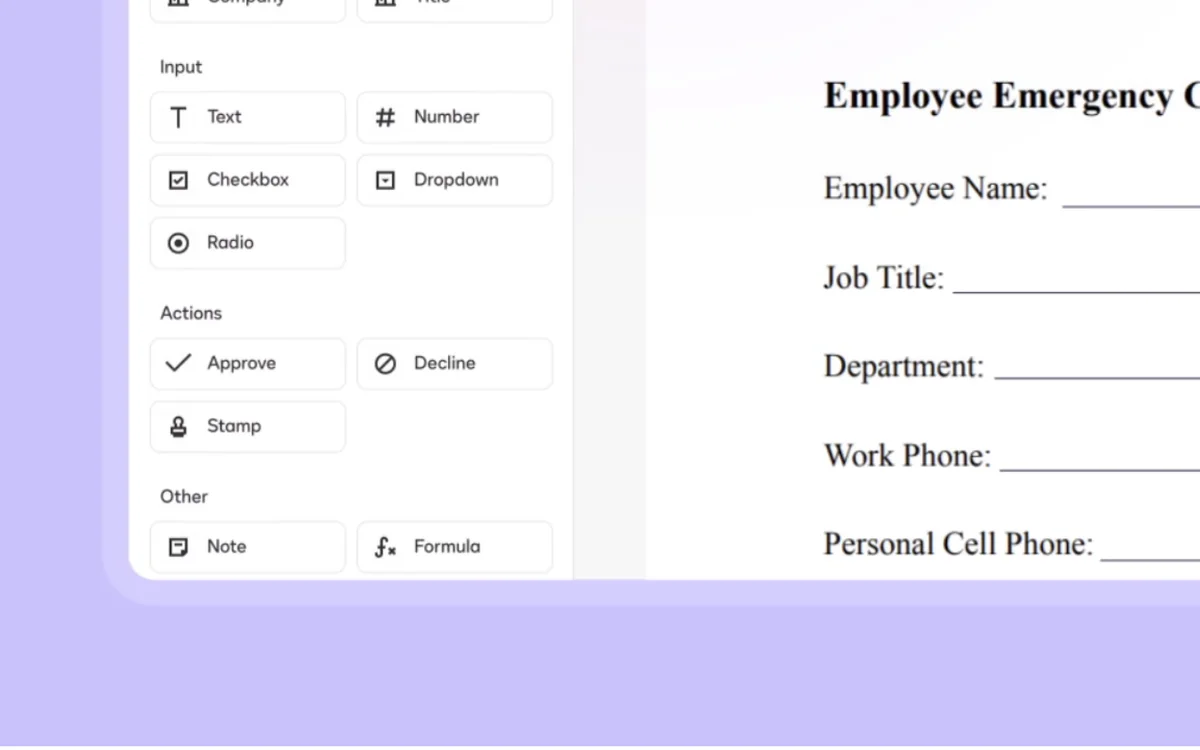
DocuSign feature view

Where Backbone goes further

Cryptographic proof without envelope tax

Keep strong contract verification right beside the proposals, projects, and invoices it triggers.

Verifiable cryptographic proof built in

Every Backbone contract carries independent cryptographic proof of who signed what and when, encrypted per organisation.

Write, send, and sign in one place

Draft agency proposals and contracts directly inside Backbone instead of exporting PDFs into separate envelopes.

Signed work launches delivery

Client records, botless meeting transcripts, tasks, and team schedules stay linked to the signed agreement.

Native Xero and private workspaces

Sync invoices with Xero natively, with per-organisation encryption for contracts and Xero, plus E2EE core delivery.

Side by side

The details.

Backbone and DocuSign compared
FeatureBackboneDocuSign
Signing & proof
Signature verificationSigned contracts backed by verifiable cryptographic proofGlobal standard e-signatures with PKI completion certificates
Envelope limitsNo per-envelope tax on your agency client agreementsAnnual plans enforce per-user envelope caps and overages
Proposal authoringAuthor proposals, scopes, and contracts directly in BackboneUploads finished PDFs; no agency proposal builder included
Agency workflow
Client CRM & pipelineFull client directory, contacts, deals, and historyNot included; requires an external CRM integration
Projects & schedulingProjects, tasks, and team scheduling connected to contractsNot included; stops once the PDF is signed
Xero accounting syncNative Xero sync for contacts, quotes, and invoicesNot included natively; relies on third-party connectors
Meetings & context
Meeting captureBotless local capture, transcripts, and structured client reviewsNo meeting recording, transcription, or call notes
Contract contextContracts live beside client calls, tasks, and billingEnvelopes sit isolated from scoping calls and deliverables
Workspace AIAI grounded across meetings, clients, tasks, and scopesAgreement-only AI add-ons on higher enterprise tiers
Privacy & pricing
Encryption modelE2EE core workspace; per-organisation encryption for contracts, proposals, XeroStandard cloud encryption with enterprise compliance certifications
2026 pricingOne workspace covering proposals, signing, meetings, and deliveryPersonal US$10, Standard US$25, Business Pro US$40/user/mo annually
Best fitAgencies uniting contracts, delivery, meetings, and XeroLegal and enterprise teams needing standalone PDF signing

An honest answer

Which should you choose?

Choose DocuSign if

  • Enterprise procurement teams specifically mandate DocuSign envelopes and PKI certificates.
  • You send standalone legal PDFs across departments outside agency client work.
  • You need advanced bulk send, SMS delivery, or enterprise notary workflows.

Choose Backbone if

  • You want cryptographic proof on signed contracts without counting monthly envelopes.
  • You want proposals, signing, client CRM, projects, and Xero in one place.
  • You want scoping calls and deliverables living beside every signed agreement.
  • You want end-to-end encrypted delivery and per-organisation encrypted contracts by default.
Get on the Waitlist

More comparisons

Backbone vs PandaDoc

Rich proposal templates compared with unified agency signing and delivery.

Compare with PandaDoc

Backbone vs Proposify

Brand-locked pitch documents versus connected contracts, tasks, and Xero.

Compare with Proposify

Backbone vs Granola

See how Granola compares with Backbone’s private shared record.

Compare with Granola

Questions

How Backbone works.

Contact us
What is Backbone?

One encrypted record of your business, built from your meetings, email, calendar, invoices and project work. Your team works from it, and so do the AI tools you choose.

Can Backbone read my data?

No. Your record is encrypted on your devices before it reaches us, and your team holds the keys. What we store is unreadable to us.

What does the AI see?

Only what a request needs. Each question sends the content for that one answer to the AI model, and the answer is encrypted again before it is saved.

Which AI tools can use my record?

Claude, Codex, Cursor, VS Code and Windsurf connect through MCP, the open standard. You give each tool its own key and choose what it can read, change or send.

Does a bot join my meetings?

No. Backbone records from your Mac, your iPhone or your browser, so nothing extra joins the call.

What does it connect to?

Gmail, Google Calendar, Outlook Mail, Outlook Calendar, Microsoft Teams, Xero, Slack, GitHub, Linear and Sentry.

How does pricing work?

You pay for the organisation, not for each person. Everyone shares one pool of usage, and every plan starts with 14 days free.

Can I use my own AI?

Yes. Bring your own AI is one flat price for Backbone. You add your own provider and API keys, and the provider bills you directly.

Where is my data stored?

On servers in Australia.

Can I take my data with me?

Yes. You can export your whole record whenever you choose.

Give your business a Backbone.

Start with your next meeting. Each meeting adds to your record.

Early access

Get on the Waitlist

Backbone is opening up to service teams soon. Leave your work email and we will reach out when your spot is ready.