Backbone vs ChatGPT for business

AI that already knows your clients and work

ChatGPT is a versatile general AI assistant with macOS Record mode for quick call notes. Backbone gives agencies a structured, private workspace where AI connects directly to clients, meetings, projects, schedules, proposals, and Xero.

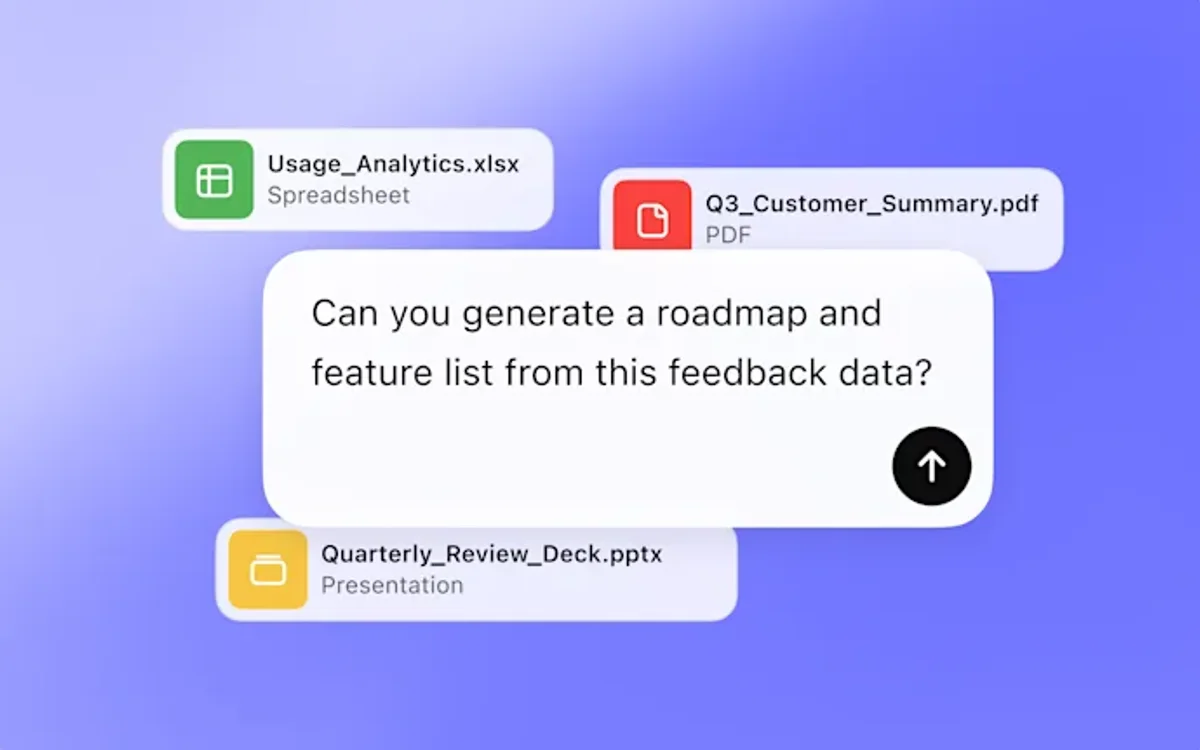
ChatGPT for business product interface

ChatGPT for business

Backbone

Credit where it's due

Where ChatGPT for business shines

ChatGPT is hard to beat as an open-ended thinking partner. It handles drafting, coding, research, and quick macOS call recordings effortlessly.

  • General-purpose AI breadth. Draft copy, analyse spreadsheets, write code, and brainstorm across any topic from one prompt.
  • Built-in macOS Record mode. Capture meetings straight from the macOS desktop app and turn recordings into searchable summaries.
  • Flexible business seat tiers. Business Standard costs US$20 and Premium US$100 per user monthly annually for two-plus seats.
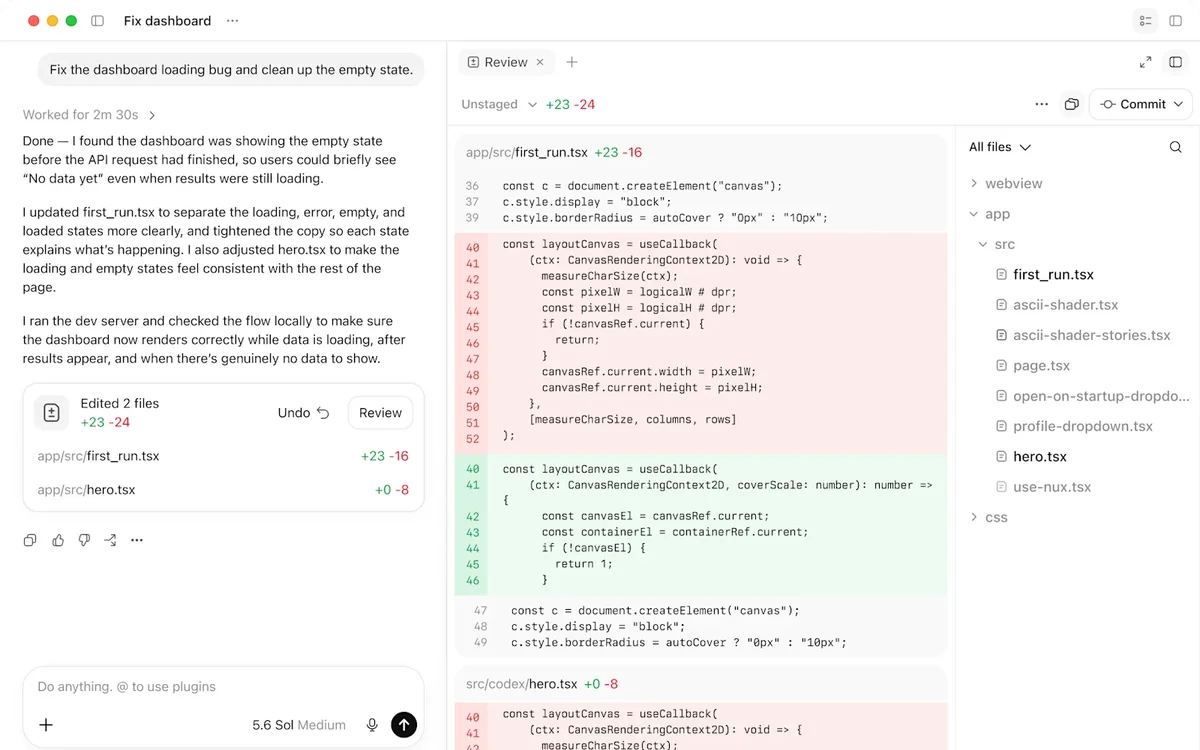
ChatGPT for business feature view

Where Backbone goes further

AI grounded in your actual agency workspace

Stop pasting client notes into chat windows; run delivery, meetings, and finance together.

Shared client and project memory

Every team member sees the same client records, tasks, and schedules instead of siloed chat threads.

Botless meetings that create real work

Record calls locally without bots and push agreed actions straight into project tasks and owners.

Proposals, contracts, and Xero built in

Move from client calls to proposals, cryptographically proven contracts, and native Xero invoices seamlessly.

End-to-end encrypted agency data

Unlike ChatGPT, Backbone end-to-end encrypts meetings, clients, projects, tasks, and schedules, with per-organisation encrypted Xero and contracts.

Side by side

The details.

Backbone and ChatGPT for business compared
FeatureBackboneChatGPT for business
AI & meeting capture
Assistant scopeAI grounded in your shared agency client workspaceVersatile general AI across writing, code, and research
Meeting recordingBotless local capture linked straight to client projectsmacOS Record mode saves standalone private call notes
Team contextShared client timeline across meetings, tasks, and billingChats stay personal unless manually shared in projects
Clients & delivery
Shared client CRMBuilt-in client CRM, contacts, deals, and activityNot included; no structured client records or pipeline
Projects & tasksStructured project tasks, owners, and delivery milestonesNo task boards, owners, due dates, or workflows
Team schedulingBuilt-in visual team scheduling tied to active projectsNot included; no capacity calendar or resource planning
Commercial & finance
Proposals & contractsInteractive proposals and contracts with cryptographic signing proofDrafts text only; no client signing or tracking
Xero integrationNative Xero sync for contacts, quotes, and invoicesNo native Xero sync for quotes or invoices
Actionable handoffsOne workspace from first meeting to paid invoiceCopy-paste outputs manually into your delivery tools
Privacy & pricing
End-to-end encryptionE2EE core workspace; per-organisation encryption for Xero and contractsNo E2EE; OpenAI servers process and hold chats
2026 pricingOne workspace replacing meetings, CRM, scheduling, and proposalsBusiness Standard US$20, Premium US$100/user/mo annually (2+ seats)
Best fitAgencies running real client delivery with private AIOpen-ended research, drafting, coding, and ad-hoc brainstorming

An honest answer

Which should you choose?

Choose ChatGPT for business if

  • You want a general AI swiss-army knife for coding, research, and brainstorming.
  • Ad-hoc macOS call summaries are enough without linking them to project tasks.
  • You already run separate tools for CRM, scheduling, proposals, and Xero.

Choose Backbone if

  • You want AI connected to real clients, meetings, projects, schedules, and Xero.
  • You need shared team memory instead of knowledge trapped in individual chats.
  • You want end-to-end encrypted client workspaces rather than standard cloud AI storage.
  • You want meetings to flow straight into tasks, proposals, and signed contracts.
Get on the Waitlist

More comparisons

Backbone vs Notion AI

Wiki docs with AI credits versus structured, encrypted client delivery.

Compare with Notion AI

Backbone vs Float

Visual capacity planning compared with a connected agency operating system.

Compare with Float

Backbone vs Granola

See how Granola compares with Backbone’s private shared record.

Compare with Granola

Questions

How Backbone works.

Contact us
What is Backbone?

One encrypted record of your business, built from your meetings, email, calendar, invoices and project work. Your team works from it, and so do the AI tools you choose.

Can Backbone read my data?

No. Your record is encrypted on your devices before it reaches us, and your team holds the keys. What we store is unreadable to us.

What does the AI see?

Only what a request needs. Each question sends the content for that one answer to the AI model, and the answer is encrypted again before it is saved.

Which AI tools can use my record?

Claude, Codex, Cursor, VS Code and Windsurf connect through MCP, the open standard. You give each tool its own key and choose what it can read, change or send.

Does a bot join my meetings?

No. Backbone records from your Mac, your iPhone or your browser, so nothing extra joins the call.

What does it connect to?

Gmail, Google Calendar, Outlook Mail, Outlook Calendar, Microsoft Teams, Xero, Slack, GitHub, Linear and Sentry.

How does pricing work?

You pay for the organisation, not for each person. Everyone shares one pool of usage, and every plan starts with 14 days free.

Can I use my own AI?

Yes. Bring your own AI is one flat price for Backbone. You add your own provider and API keys, and the provider bills you directly.

Where is my data stored?

On servers in Australia.

Can I take my data with me?

Yes. You can export your whole record whenever you choose.
Give your business a Backbone.

Start with your next meeting. Each meeting adds to your record.

Early access

Get on the Waitlist

Backbone is opening up to service teams soon. Leave your work email and we will reach out when your spot is ready.