Backbone vs Pipedrive

A clean visual sales board, or sales and delivery in one place

Pipedrive gives sales teams a crisp visual pipeline and reliable email sync. Backbone picks up where the deal closes, uniting CRM with bot-free meetings, projects, team scheduling, proposals, and Xero.

Backbone

Pipedrive product interface

Pipedrive

Credit where it's due

Where Pipedrive shines

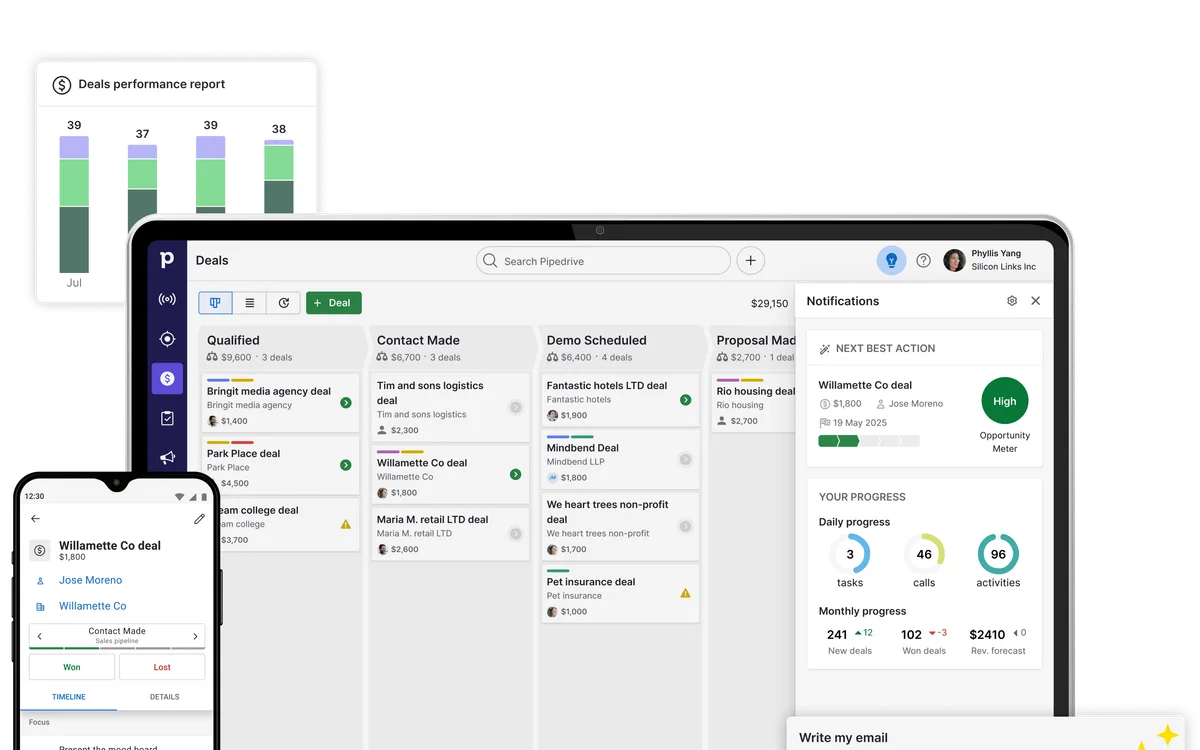
Pipedrive stays focused on moving deals across stages. Salespeople adopt it quickly because the pipeline stays uncluttered and clear.

  • Clean visual deal pipeline. Drag deals across stages, track follow-up activities, and spot stalled opportunities at a glance.
  • Reliable two-way email sync. Keep client emails, templates, and open tracking attached to every deal without manual logging.
  • Predictable sales tiers. Annual plans scale cleanly from Lite at US$14 through Growth, Premium, and Ultimate.
Pipedrive feature view

Where Backbone goes further

Deals do not end at won. Your workspace should not either.

Carry every discovery call and deal promise straight into scheduled client delivery.

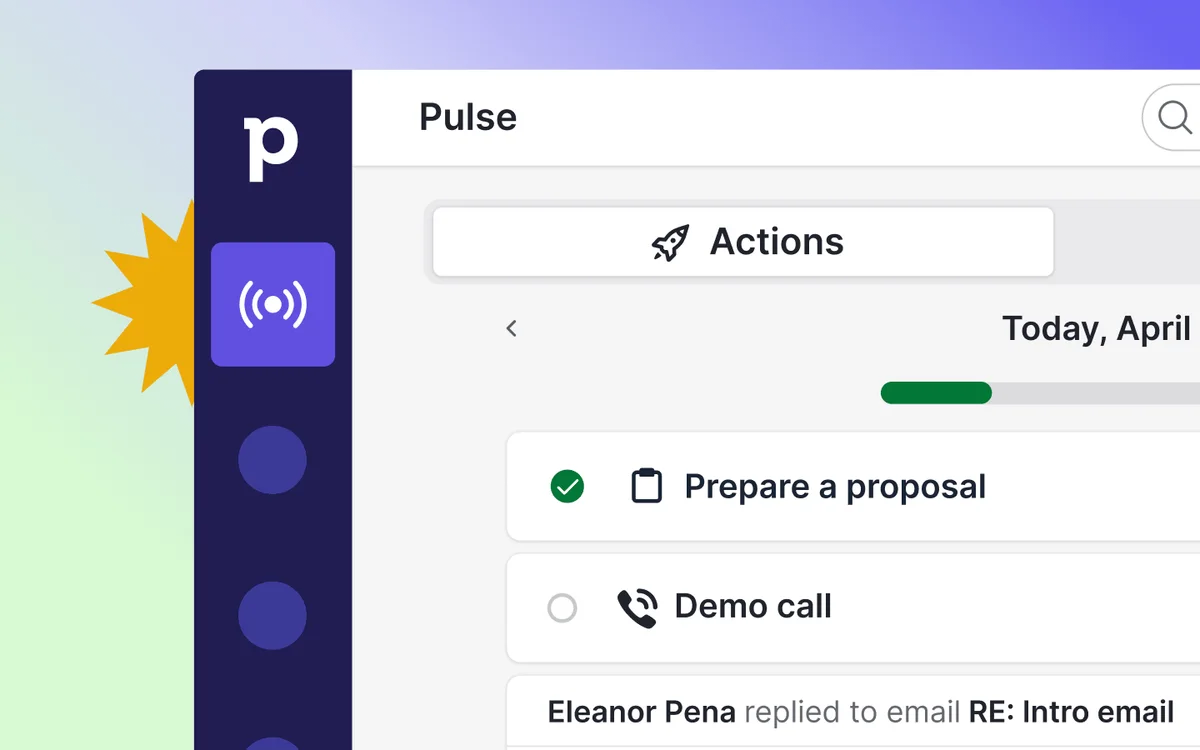
Pipeline linked to calls

Bot-free meeting transcripts sit right on the deal, preserving exact scope before delivery starts.

Proposals and signed contracts

Draft scopes, send proposals, and lock in client contracts with per-organisation encryption built in.

Projects and resource scheduling

Turn won deals into active projects, assigned tasks, and balanced team calendars automatically.

Two-way Xero invoicing

Track retainers, milestones, and paid invoices directly with Xero instead of chasing spreadsheets.

Side by side

The details.

Backbone and Pipedrive compared
FeatureBackbonePipedrive
Sales pipeline
Deal trackingVisual deal pipeline linked to client deliveryClean visual pipeline built for sales reps
Communication contextBot-free call notes and client history togetherEmail sync and activity reminders on deals
Proposals and contractsProposals and contracts built into every workspaceRequires Smart Docs add-on or higher tier
Post-sale delivery
Meeting recordingNative bot-free Mac capture with live notesNo native bot-free meeting capture
Projects and schedulingProjects, tasks, and team scheduling built inNo full project or resource scheduling suite
Xero integrationNative two-way Xero billing and finance trackingNo native Xero billing; needs external connectors
Privacy and security
Core workspace dataE2EE meetings, clients, projects, tasks, and scheduleStandard cloud storage for deals and emails
Financial and legal dataPer-organisation encryption for Xero, proposals, and contractsHosted in third-party billing or doc apps
Handoff lossZero handoff friction from pitch to deliveryContext gets re-typed into separate project tools
Pricing and value
Entry tiersOne workspace covering sales, calls, and deliveryLite US$14; Growth US$39/seat/mo billed annually
Upper tiersNo paid add-ons for docs or projectsPremium US$59; Ultimate US$79/seat/mo billed annually
Total team stackReplaces CRM, notetaker, PM, scheduling, and proposalsStill needs notetaker, PM, scheduling, and Xero

An honest answer

Which should you choose?

Choose Pipedrive if

  • You run a dedicated outbound sales team focused purely on closing deals.
  • You love drag-and-drop pipelines and already have delivery tools sorted.
  • You want fast email sync and sales activity reporting out of the box.

Choose Backbone if

  • Your team both sells the work and delivers the client project.
  • You want bot-free meetings, scheduling, proposals, and Xero alongside your CRM.
  • You want end-to-end encryption across meetings, clients, projects, tasks, and schedule.
  • You want fewer subscriptions and zero sales-to-delivery handoff friction.
Get on the Waitlist

More comparisons

Questions

How Backbone works.

Contact us
What is Backbone?

One encrypted record of your business, built from your meetings, email, calendar, invoices and project work. Your team works from it, and so do the AI tools you choose.

Can Backbone read my data?

No. Your record is encrypted on your devices before it reaches us, and your team holds the keys. What we store is unreadable to us.

What does the AI see?

Only what a request needs. Each question sends the content for that one answer to the AI model, and the answer is encrypted again before it is saved.

Which AI tools can use my record?

Claude, Codex, Cursor, VS Code and Windsurf connect through MCP, the open standard. You give each tool its own key and choose what it can read, change or send.

Does a bot join my meetings?

No. Backbone records from your Mac, your iPhone or your browser, so nothing extra joins the call.

What does it connect to?

Gmail, Google Calendar, Outlook Mail, Outlook Calendar, Microsoft Teams, Xero, Slack, GitHub, Linear and Sentry.

How does pricing work?

You pay for the organisation, not for each person. Everyone shares one pool of usage, and every plan starts with 14 days free.

Can I use my own AI?

Yes. Bring your own AI is one flat price for Backbone. You add your own provider and API keys, and the provider bills you directly.

Where is my data stored?

On servers in Australia.

Can I take my data with me?

Yes. You can export your whole record whenever you choose.

Give your business a Backbone.

Start with your next meeting. Each meeting adds to your record.

Early access

Get on the Waitlist

Backbone is opening up to service teams soon. Leave your work email and we will reach out when your spot is ready.