Backbone vs HubSpot

An enterprise go-to-market suite, or one calm workspace for client work

HubSpot is a mature platform for inbound marketing and large sales teams, backed by Breeze AI credits. Backbone serves client delivery teams with CRM, bot-free meetings, scheduling, proposals, and Xero without enterprise bloat.

Backbone

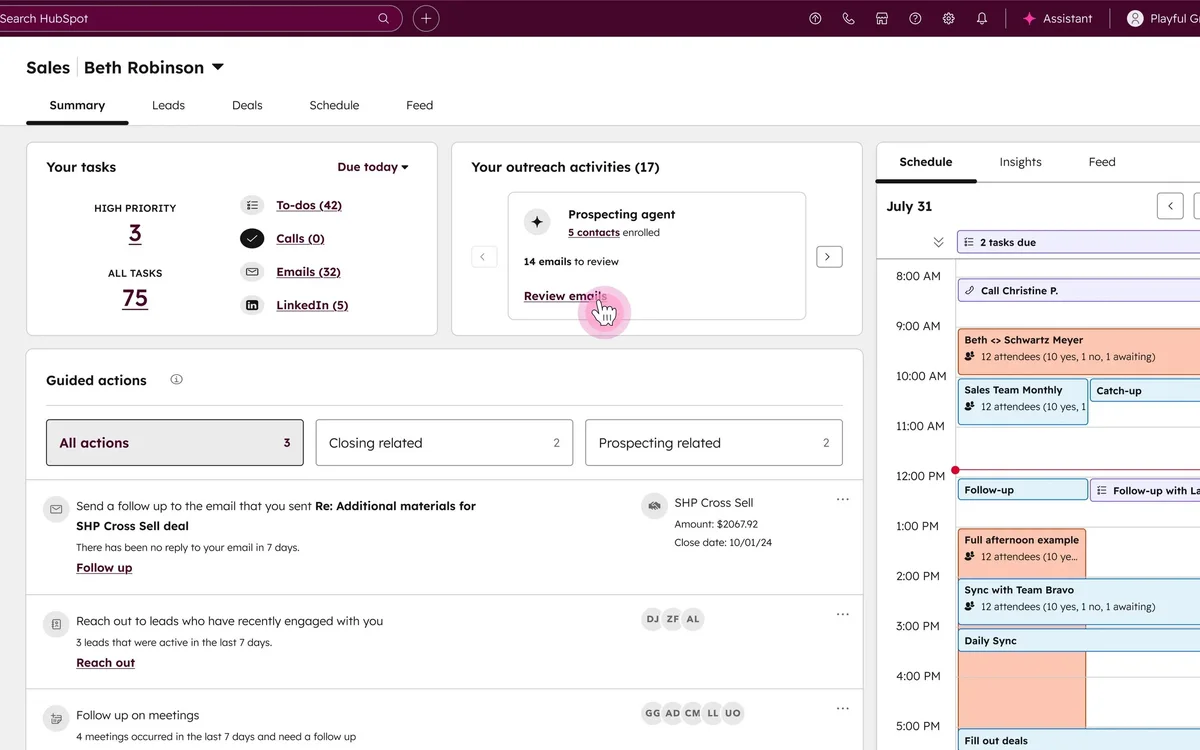
HubSpot product interface

HubSpot

Credit where it's due

Where HubSpot shines

HubSpot sets the standard for high-volume sales and marketing automation. Organisations with dedicated RevOps teams get deep customisation.

  • Full sales and marketing suite. Combine email campaigns, landing pages, attribution, and multi-stage sales pipelines in one platform.
  • Massive integration ecosystem. Over a thousand marketplace apps connect HubSpot to almost any enterprise SaaS tool.
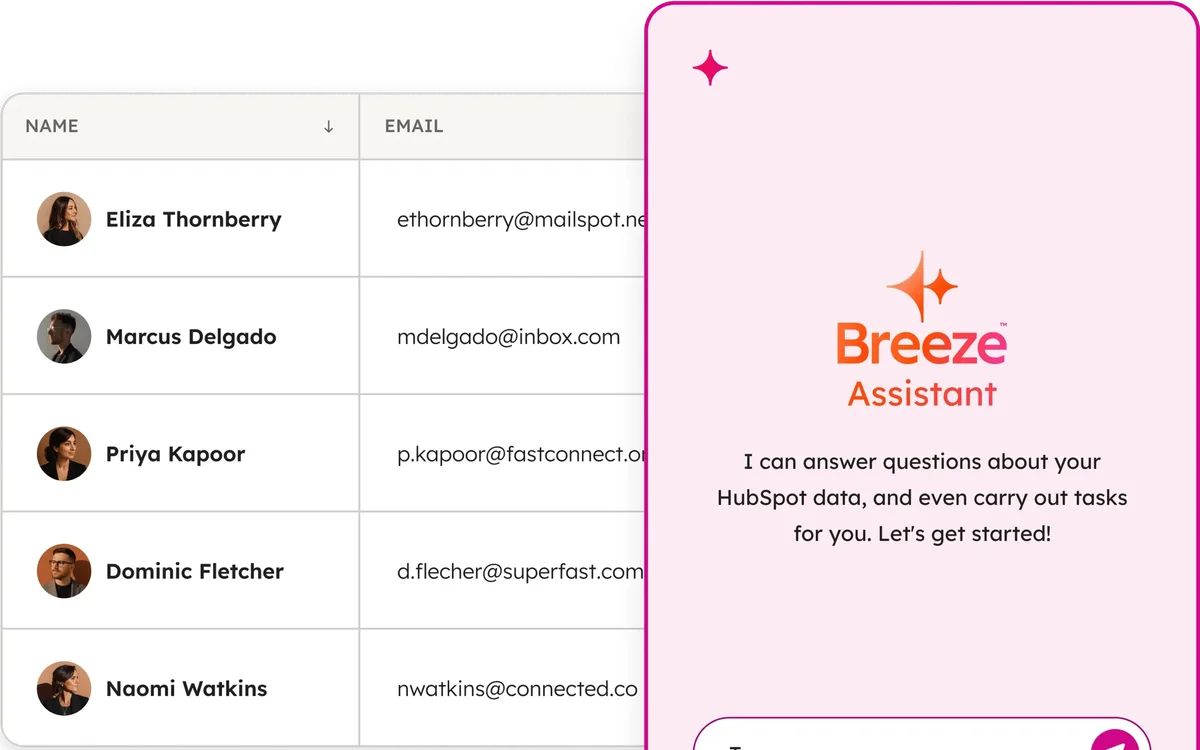
  • Breeze AI and workflows. Automate lead scoring, enrichment, and outbound sequences using HubSpot workflows and Breeze AI credits.
HubSpot feature view

Where Backbone goes further

Built for client delivery. Not enterprise admin.

Close the deal, run the project, schedule the team, and invoice in Xero.

Pipeline without the admin

Manage deals and client history cleanly without paying for onboarding consultants or managing sprawling objects.

Native bot-free meetings

Capture client calls quietly on Mac, iPhone and web and attach transcripts directly to deals and active projects.

Delivery and team scheduling

Hand off won deals straight into tasks, milestones, and team capacity without switching tools.

Native two-way Xero billing

Turn approved proposals and contracts straight into Xero invoices without fragile third-party connectors.

Side by side

The details.

Backbone and HubSpot compared
FeatureBackboneHubSpot
CRM and sales
Core focusClient CRM connected directly to project deliveryHigh-volume sales, marketing automation, and RevOps
AI capabilitiesMeeting intelligence and workspace context built inBreeze AI powered by usage credit packs
Setup effortReady in minutes with zero onboarding feesPro tier adds US$1,500 mandatory onboarding fee
Meetings and delivery
Meeting captureNative bot-free Mac capture linked to clientsNo native bot-free local meeting recorder
Projects and schedulingProjects, tasks, and team scheduling built inNo built-in project delivery or resource scheduling
Accounting and XeroTwo-way Xero invoicing, proposals, and contracts nativeNo native Xero billing; requires paid sync
Privacy and security
Workspace encryptionE2EE meetings, clients, projects, tasks, and scheduleStandard multi-tenant SaaS cloud encryption
Commercial documentsPer-organisation encryption for Xero, proposals, and contractsCloud-hosted quotes and deal attachments
Admin overheadCalm workspace designed for small-to-mid service teamsOften needs dedicated admin to maintain cleanly
Pricing and tiers
Entry plansSimple workspace pricing without hub add-onsFree (2 users); Sales Starter from US$20/mo
Pro and EnterpriseFull feature set without enterprise seat jumpsPro US$90/seat (+US$1,500); Enterprise US$150/seat/mo
Real stack costOne workspace covering sales, calls, delivery, XeroHubs, Breeze credits, plus separate delivery apps

An honest answer

Which should you choose?

Choose HubSpot if

  • You run high-volume inbound marketing campaigns alongside a large sales org.
  • You have RevOps support to configure deep workflows and custom objects.
  • You need thousands of third-party marketing and attribution integrations.

Choose Backbone if

  • You want CRM, bot-free meetings, delivery, and Xero without enterprise overhead.
  • You refuse to pay US$90 per seat plus US$1,500 onboarding.
  • You want end-to-end encryption for meetings, clients, projects, tasks, and schedule.
  • Your business earns revenue delivering client projects, not running outbound cadences.
Get on the Waitlist

More comparisons

Questions

How Backbone works.

Contact us
What is Backbone?

One encrypted record of your business, built from your meetings, email, calendar, invoices and project work. Your team works from it, and so do the AI tools you choose.

Can Backbone read my data?

No. Your record is encrypted on your devices before it reaches us, and your team holds the keys. What we store is unreadable to us.

What does the AI see?

Only what a request needs. Each question sends the content for that one answer to the AI model, and the answer is encrypted again before it is saved.

Which AI tools can use my record?

Claude, Codex, Cursor, VS Code and Windsurf connect through MCP, the open standard. You give each tool its own key and choose what it can read, change or send.

Does a bot join my meetings?

No. Backbone records from your Mac, your iPhone or your browser, so nothing extra joins the call.

What does it connect to?

Gmail, Google Calendar, Outlook Mail, Outlook Calendar, Microsoft Teams, Xero, Slack, GitHub, Linear and Sentry.

How does pricing work?

You pay for the organisation, not for each person. Everyone shares one pool of usage, and every plan starts with 14 days free.

Can I use my own AI?

Yes. Bring your own AI is one flat price for Backbone. You add your own provider and API keys, and the provider bills you directly.

Where is my data stored?

On servers in Australia.

Can I take my data with me?

Yes. You can export your whole record whenever you choose.

Give your business a Backbone.

Start with your next meeting. Each meeting adds to your record.

Early access

Get on the Waitlist

Backbone is opening up to service teams soon. Leave your work email and we will reach out when your spot is ready.